
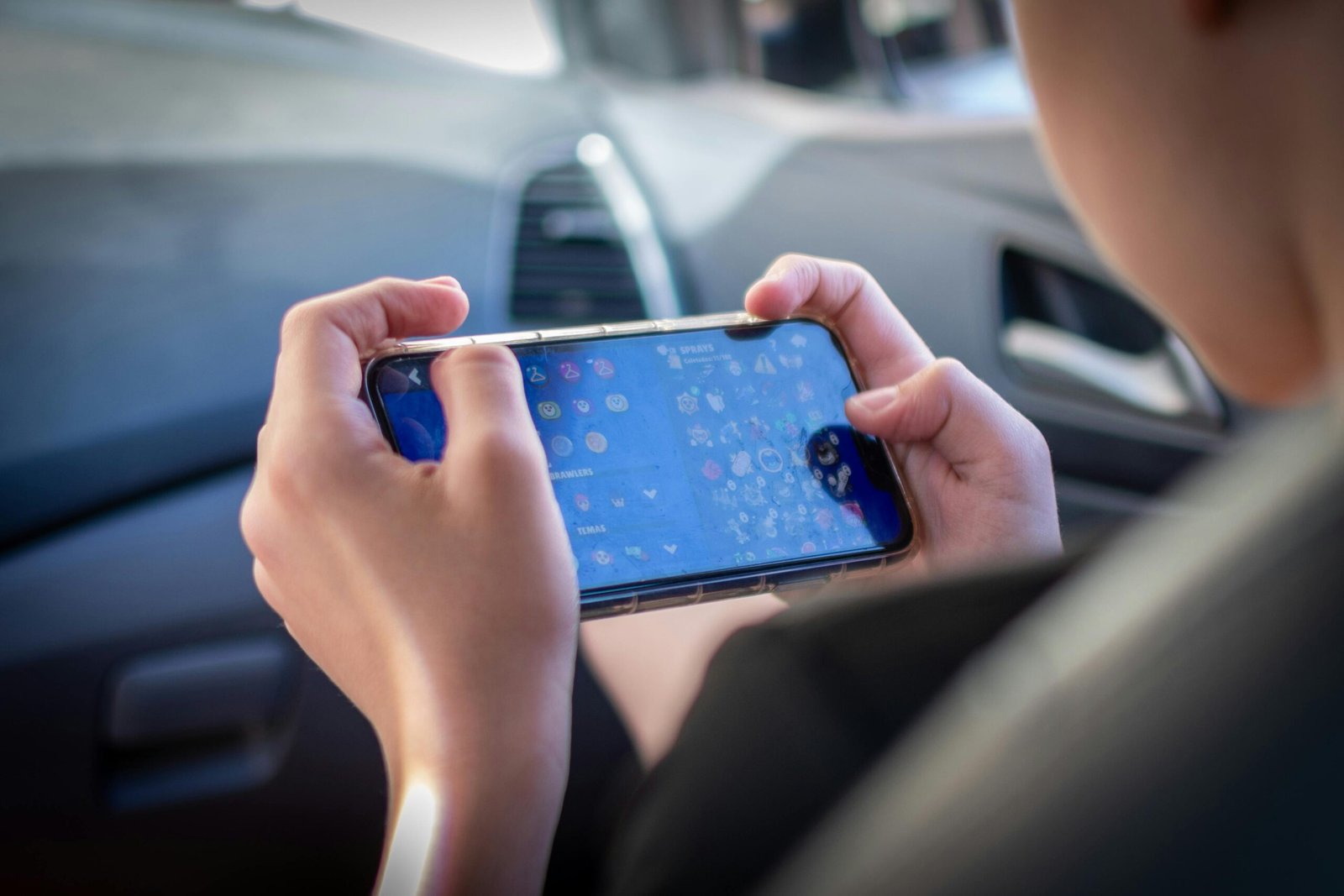
The 60Hz vs 120Hz phone difference affects how smooth your screen looks during scrolling, animations, and gaming. Modern smartphones now range from 60Hz to 144Hz+, but the actual difference depends on usage and content support.
What Is Smartphone Refresh Rate
Smartphone refresh rate is how many times your screen updates per second, measured in hertz (Hz). Higher refresh rates improve motion clarity and reduce delay during interaction.
- 60Hz = 60 updates per second
- 120Hz = 120 updates per second
60Hz vs 90Hz vs 120Hz vs 144Hz
60Hz (Standard)
- Default on entry-level phones
- Lowest power usage
- Less smooth during fast scrolling
Use case: Calls, messaging, light apps
90Hz (Entry High Refresh Rate)
- Smoother scrolling than 60Hz
- Slight increase in power usage
- Common in midrange devices
Use case: Daily apps with smoother navigation
120Hz (Recommended Range)
- Noticeably smoother motion and input response
- Works well for most apps and supported games
- Standard in upper midrange and flagship phones
Use case: Gaming, multitasking, frequent scrolling
144Hz to 165Hz (Gaming-Focused)
- Higher frame output in supported games
- Limited difference in regular apps
- Higher power consumption
Use case: High frame rate mobile gaming

Adaptive Refresh Rate (LTPO)
Adaptive refresh rate adjusts automatically based on activity:
- Drops to low values (1Hz–10Hz) when idle
- Increases up to 120Hz during interaction
- Reduces power use without manual switching
60Hz vs 120Hz Phone Difference in Daily Use
The 60Hz vs 120Hz phone difference is most visible in these scenarios:
- Scrolling: 120Hz appears smoother and more responsive
- Gaming: Higher refresh rates reduce input delay
- Video: Most content remains at 24–60 FPS
The biggest gap appears between 60Hz and 120Hz. But refresh rates beyond 120Hz show smaller changes outside supported games.
Does Higher Refresh Rate Affect Battery
Yes. Higher refresh rates increase power use because the display updates more frequently.
- 60Hz uses the least power
- 120Hz uses more, especially without adaptive refresh
- LTPO helps reduce this gap
Quick Comparison: 60Hz vs 120Hz vs 144Hz
| Refresh Rate | Smoothness | Power Use | Typical Use |
| 60Hz | Basic | Low | Light use |
| 90Hz | Improved | Low–Moderate | Daily apps |
| 120Hz | High | Moderate | Gaming and multitasking |
| 144Hz+ | Very high | High | High-FPS gaming |
Bottom Line
60Hz is still fine for basic tasks, but it can feel less smooth when scrolling or switching between apps. Moving up to 90Hz makes everyday use more fluid, while 120Hz delivers a more consistent experience across most apps and games. Higher refresh rates like 144Hz are mainly useful for gaming and don’t add much in regular use.
For most people, a 120Hz display with adaptive refresh rate offers a good balance between smoothness and battery use.
Quick Answers
What is refresh rate on a phone
It is how many times a screen updates per second, measured in Hz.
What is the difference between 60Hz and 120Hz phones
120Hz displays update twice as often, making scrolling and interactions smoother than 60Hz.
Does 120Hz drain battery
Yes, but adaptive refresh rate (LTPO) helps reduce power usage.
Do all apps support 120Hz
No. Only system animations and supported apps or games fully use higher refresh rates.
Is 144Hz better than 120Hz on a phone
It mainly benefits gaming. Most apps do not show a clear difference beyond 120Hz.


