
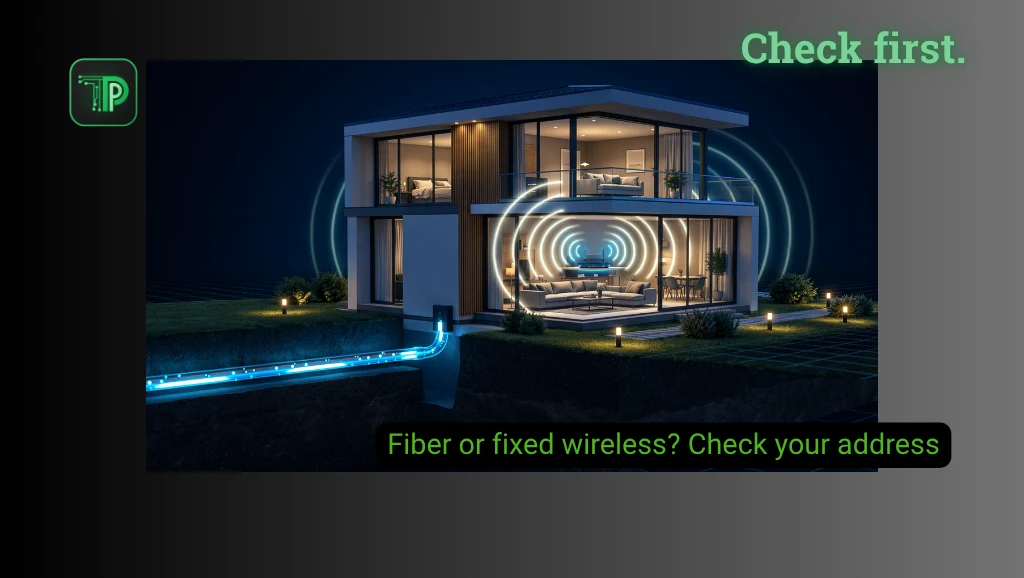
The best home internet connection is the one that works reliably where you live, at a price and on terms you can accept. Before choosing between fiber and fixed wireless in the Philippines, check availability at your exact address, test the connection where possible, and compare the full cost and data limits.
Fiber typically brings the provider’s connection to your home over a physical line. Fixed wireless connects a home gateway to a provider’s mobile network over radio. Both can then distribute internet to your devices over Wi-Fi, so “Wi-Fi” alone does not tell you which type of connection you are buying.
Check what can actually be installed
Give each provider your complete address and ask whether it can serve your building or unit, not just your neighborhood. A fiber provider may need an available port, permission to run a cable or a site visit before it can confirm installation.
For fixed wireless, ask whether the provider supports your address and the router model being offered. Signal on the street does not guarantee the same performance inside a concrete room. TP-Link’s Philippines guide discusses signal factors, and the location of the gateway, nearby obstacles and network demand can all change the experience.
If possible, ask neighbors in the same building about the exact service and their experience with outages and repairs. Treat that as a useful clue rather than a guarantee for your own unit.
Test for your actual activities
For fixed wireless, test the relevant network inside the home and near the intended gateway location. A phone test can provide a clue, but a phone and home router may use different bands, antennas or plans. Test the intended service or ask about a trial and return conditions before committing.
Repeat tests at different times, including busy evenings. Note download and upload speed, latency and interruptions. A video call needs a stable connection as well as upload capacity; online games can be sensitive to delay and inconsistency. An advertised “up to” speed alone cannot predict how a particular game or call will perform.
For either service, check how the signal reaches the rooms you use. A fast line to the router can still produce poor Wi-Fi in a distant room. TechPipino’s slow Wi-Fi guide explains how to compare wired and wireless results.
Compare the whole bill and terms
Ask for installation and equipment charges, recurring fees, contract or lock-in periods, relocation rules and cancellation costs. Check whether the router is included, rented or bought separately, and who handles repairs.
Look at data allowances and validity, not just the headline price. Some prepaid wireless offers specify both a data amount and an expiration period. Globe’s prepaid WiFi page, for example, lists time-limited data packages; the right comparison is the actual cost for your household’s use, including any reloads.
Do not assume every fiber plan is unlimited or every wireless plan is capped. Read the current fair-use and speed terms for the specific offer.
Takeaway
Fiber is worth considering when a provider can install a suitable line and you are comfortable with its terms. Fixed wireless can be useful where wiring is difficult or a suitable signal is available. Neither label guarantees stable service: the local network, equipment, building and support matter.
Before paying, ask the provider to confirm the exact service, total charges, minimum commitment, expected installation or activation, and what happens if the connection does not work adequately at your address.
FAQs
Is fixed wireless the same as mobile hotspot?
Both can use cellular networks, but a dedicated home gateway, its plan and location can differ from a phone hotspot.
Does fiber guarantee low latency?
No. The wider network, congestion, destination and home equipment all affect delay.
Can I use a wireless plan anywhere?
Check the provider’s address and relocation terms. Do not assume a home plan is portable.


