
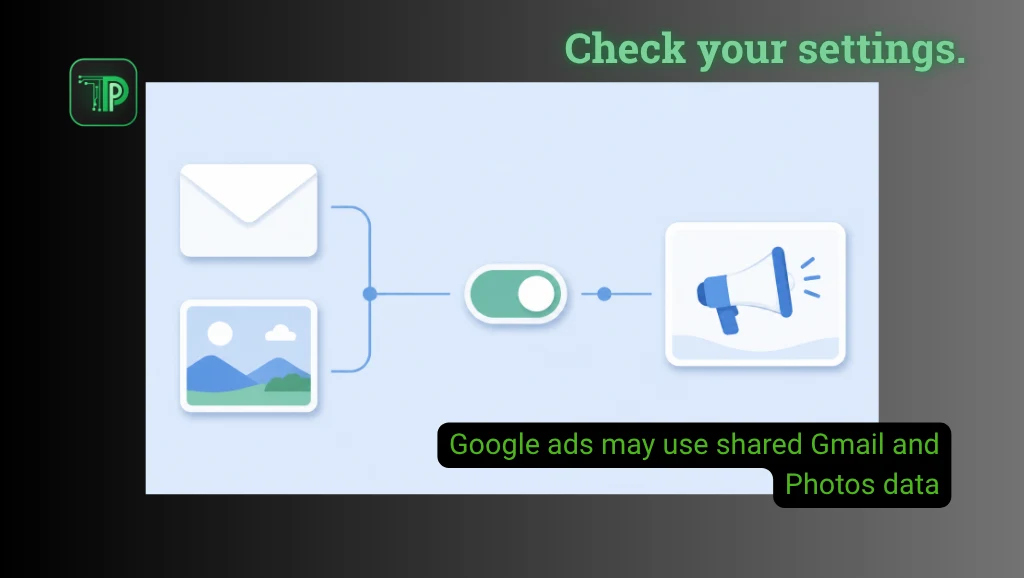
Google personalized ads may use information from Gmail, Drive or Google Photos when you choose to share that data with another Google service that supports personalized advertising. The exception appears in Google’s policy effective Oct. 16.
Android Authority reported the change on Oct. 23. It raises a practical question for Personal Intelligence users: what happens to private-app information after you connect it to another service?
What changed in Google’s personalized ads policy
Google previously stated that it did not personalize ads using content from those three apps. Its official policy comparison now shows an exception for information users make available to eligible services.
The current policy gives Search as an example of a service that may use permitted cross-app data to personalize content, including ads. It also retains restrictions on sensitive ad categories and sharing personally identifying details with advertisers.
That wording establishes what the policy permits. It does not show whether a particular email or photograph influenced an ad on your account. Nor does it mean every Gmail user has automatically connected their inbox to Search.
What this means for users in the Philippines
Google’s Search connection guide lists the Philippines among supported countries for adults using personal Google Accounts. However, availability differs by connected app.
The guide currently identifies Gmail and Google Calendar under Workspace, with Calendar connection limited to US users in English. Google Photos connection is also unavailable in some regions. Check the options actually offered on your account before assuming every integration is included.
These distinctions matter when comparing AI services. A feature appearing in Search does not establish the same availability or data rules in Gemini or Maps. Similarly, a subscription alone may not establish eligibility for a connected-app assistant such as Claude Duet.
Check connections, recommendations and saved history separately
Start in your Google Account under Data & privacy, then look for Personalization settings. Android Authority identifies Connected Content Apps under Additional Personal Intelligence as the place to inspect Workspace and Photos connections.
If you do not want Search accessing those apps, review the available disconnect controls. Read the accompanying explanation before confirming a change, especially if you rely on personalized responses.
Google’s recommendation settings guide describes a separate control for Personalized Recommendations in Search services. It warns that settings are changing gradually; accounts with older controls may still use Web & App Activity.
Switching recommendations off does not delete saved history or disable personalization across every Google product. Review activity controls separately if your goal is to remove retained information. Google also directs users to My Ad Center for advertising preferences.
This is a different task from telling a platform which subjects you prefer, as with Facebook’s recommendation controls. Here, the first question is which information another service can access.
Frequently asked questions
Is Google automatically using everyone’s Gmail for ads?
The policy exception concerns information users choose to share with services supporting personalized ads. It does not establish that every Gmail inbox is connected or that each account receives ads based on its messages.
Does Philippine support mean every connection is available?
No. Google lists the country for Search connections, but app, account and regional limits still apply. Check the current eligibility guide and the controls available to your own account.
Will turning off recommendations erase my history?
No. Google says that control does not delete Search Services History or other account activity. Review the separate history settings if deletion is your aim.
Why it matters
Connecting an inbox can make an assistant more useful, but answering a question and selecting an advertisement serve different purposes. Readers should be able to understand both before deciding what to share.
The useful next step is to inspect your connections and settings. A policy headline alone cannot tell you which permissions you have granted or which controls your account currently uses.


