
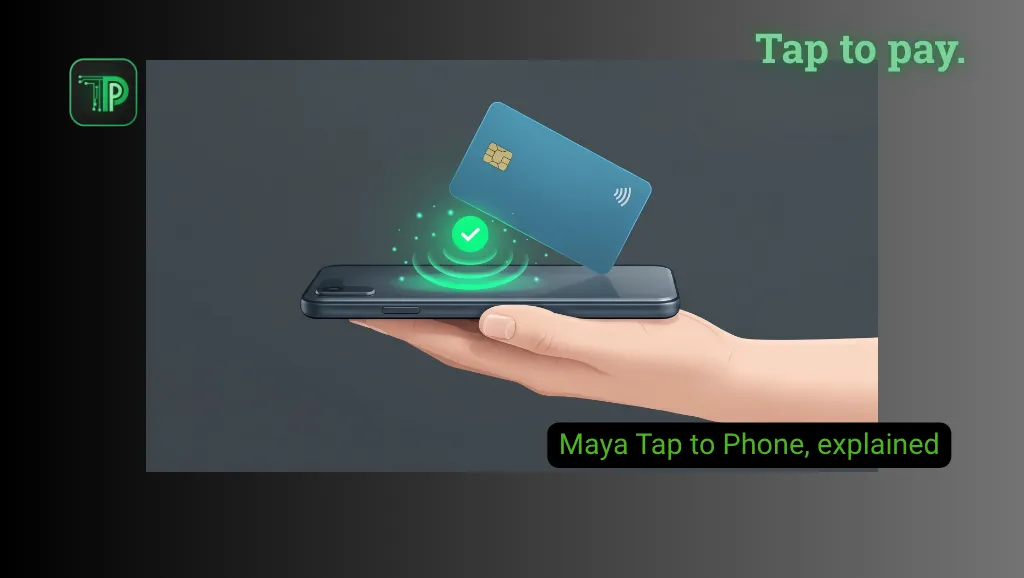
Maya Business Pro merchants can accept contactless card payments using a compatible Android phone instead of a separate card terminal. The feature, called Tap to Phone, uses the phone’s NFC connection and the Maya Business app.
The convenience comes with requirements and a fee. According to Unbox PH, which reported the feature on Nov. 19, merchants need a Maya Business Pro account and an NFC phone running Android 12 or newer. The same report lists a 3% merchant discount rate (MDR) on each successful transaction.
Who can use Maya Tap to Phone?
Maya’s developer guide says Tap to Phone is for Maya Business Pro merchants. It requires an NFC-enabled Android device and the Maya Business app. The app can be installed on several devices, but Tap to Phone runs on only one device at a time.
Unbox PH reports that Business Pro requires a BIR Certificate of Registration (Form 2303), plus a Certificate of Tax Exemption if applicable. Requirements can change, so check the Maya Business app for the current list.
For small businesses, the appeal is that an eligible merchant can take supported contactless payments without adding a separate card terminal. That does not remove the need to complete Maya’s onboarding or meet its device requirements.
How payments work
After activating Tap to Phone in the Maya Business app, a merchant opens Solutions, selects Tap to Phone and enters the amount. The customer then taps a contactless card on the back of the phone. The app shows the authorization and a payment confirmation, and the merchant can email a receipt.
Depending on the card, Maya’s developer guide says the customer may be asked for a signature or card PIN. Unbox PH reports that customers can tap Visa or Mastercard cards, including cards stored in Apple Pay and Google Pay, and that Maya’s approach uses Mastercard Accept.
How much does Maya Tap to Phone cost?
Unbox PH reports a 3% merchant discount rate for each successful Tap to Phone transaction. On an illustrative ₱1,000 payment, 3% is ₱30, before any other applicable charges.
TechPipino could not confirm that rate on a current Maya page. Maya’s general merchant pricing page lists higher starting card rates of 3.50% MDR for Visa and Mastercard on its other products, so confirm the rate shown for your own account before relying on the 3% figure.
Unbox PH also reports that payments are credited after one banking day to the merchant’s Maya Business Deposit account. Fees and settlement timing should be verified against the terms shown in the app.
Can an iPhone accept Tap to Phone payments?
Maya’s developer guide describes the merchant side as an NFC-enabled Android device, and the sources we reviewed do not mention iPhone support for merchants. Apple Pay appears only as a way for customers to pay. A customer using Apple Pay does not mean an iPhone can be the merchant’s terminal.
Why it matters
For a small merchant already eligible for Maya Business Pro, Tap to Phone can be an extra way to accept card payments without buying dedicated terminal hardware. The reported 3% rate and one-banking-day settlement matter as much as the convenience.
TechPipino has also covered GCash No Signal Pay, a different payment feature that works under its own conditions.
FAQs
Do I need a Maya Business Pro account?
Yes. Maya’s developer guide says Tap to Phone is for Business Pro merchants.
Does it accept contactless cards?
Unbox PH reports that it accepts Visa and Mastercard, including cards stored in Apple Pay and Google Pay, subject to Maya’s current terms.
Is the feature free?
No. Unbox PH reports a 3% merchant discount rate on each successful transaction. Check the rate shown in your Maya Business app.


