
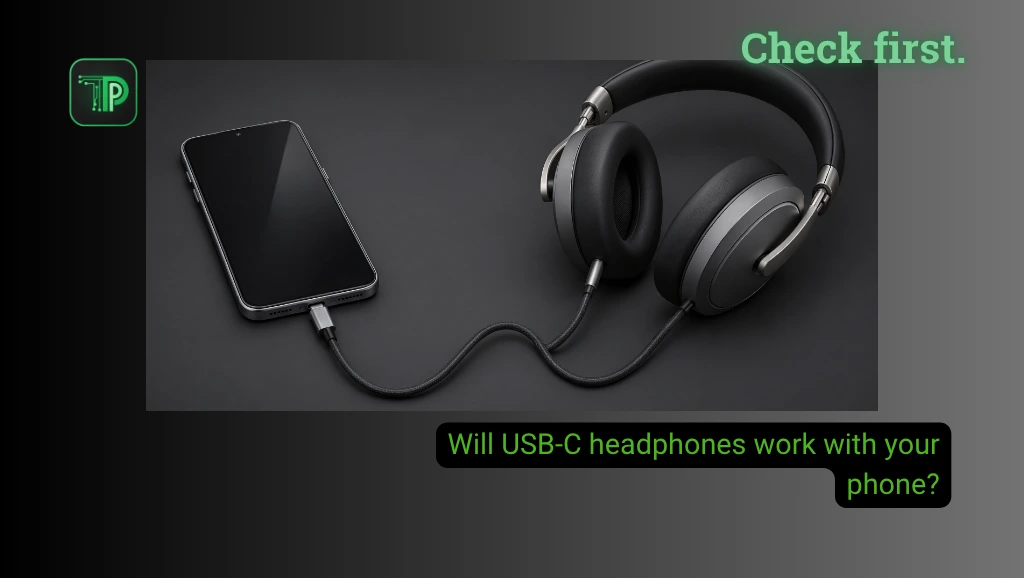
Many USB-C headphones can work with a phone that has a USB-C port, but the connector alone does not guarantee compatibility. Before buying, check the exact phone and headset models, including whether the microphone, buttons and any adapter are supported.
USB-C describes the shape of the connection. What travels through that connection, and which functions each device supports, can vary. A headset that fits the port may still fail to play audio or offer every control on a particular phone.
Check your phone and headphones first
Look up the phone manufacturer’s support page for wired USB audio. Then check the headphone maker’s compatibility list for your exact model. If a listing only says “USB-C,” ask the seller or manufacturer whether it supports your phone and its operating system.
For example, Google’s Pixel help page says all Pixel phones work with audio accessories that use USB-C or Bluetooth. It adds that if a USB-C accessory or adapter causes sound problems, you should confirm it supports digital audio. Apple says iPhones with USB-C can connect wired headphones and other audio accessories through the port. Those examples do not establish that every third-party headset works with every phone.
What if your headphones have a 3.5mm plug?
A phone with no headphone jack needs a USB-C-to-3.5mm adapter for a wired headset with a round plug. Apple, for example, lists its own USB-C to 3.5 mm headphone jack adapter for iPhone. Check the adapter’s compatibility with your phone, not just its plug shape. Some adapters contain the electronics needed to convert digital audio into an analog signal for a conventional headset.
If you also need calls or voice recording, check whether the adapter supports a headset microphone. Music playback alone does not prove that a microphone or inline remote will work.
Can you charge and listen at the same time?
A compatible USB-C splitter or hub may let you charge and connect headphones simultaneously. Check that it explicitly supports both charging and the audio function your phone needs. A splitter intended for another device may not offer the same features on yours. For the charging side, see our guide to choosing a USB-C charger for your phone and laptop.
What to try if there is no sound
First, reconnect the headset and make sure the plug is seated fully. Check the phone’s volume and disconnect Bluetooth devices that may be receiving audio instead. Try another app, then test the headset with a known compatible device if possible.
If you use an adapter, test another compatible adapter. Restart the phone and check for software updates. If the problem remains, consult the manufacturer’s troubleshooting instructions. Avoid inserting metal tools or liquids into the port.
Frequently asked questions
Do USB-C headphones need Bluetooth?
Wired USB-C headphones normally use the cable, although some products may have additional wireless features. Check the product’s instructions.
Will the microphone always work?
No. Confirm microphone and control support for the phone and any adapter.
Can a USB-C phone use older wired headphones?
Often, yes, with a compatible USB-C-to-3.5mm audio adapter. Check the phone and adapter requirements first.
Takeaway
Match the whole chain: phone, headphones and any adapter or hub. A confirmed compatibility listing is more useful than a product photo showing the right connector.


