
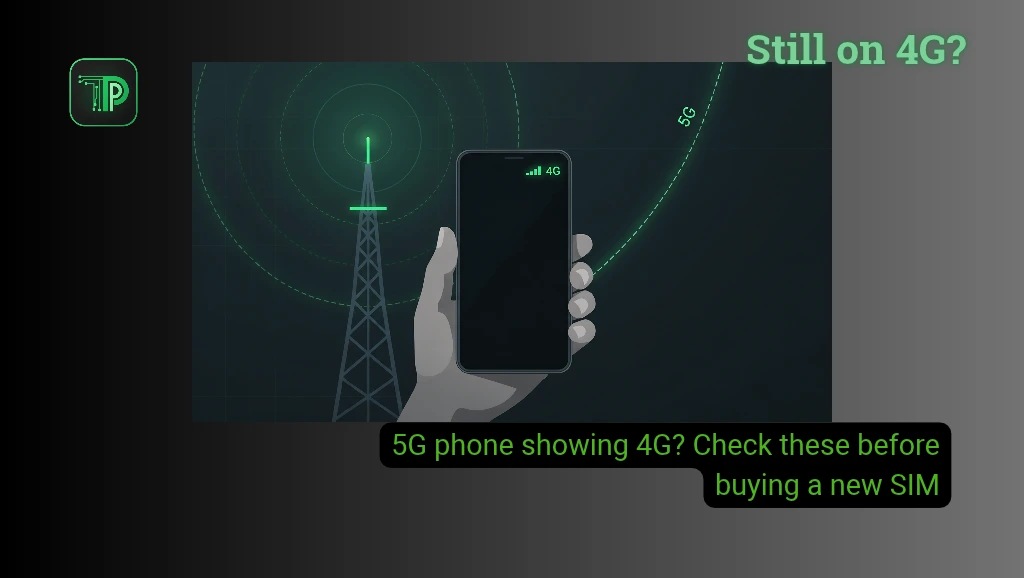
A 5G phone showing 4G usually comes down to one of four things: weak 5G signal where you are, a network setting limited to LTE, a phone and carrier that do not fully work together, or a SIM or account that is not 5G-ready.
Run these checks before you pay for a new SIM, change plans or replace your phone. A coverage map helps, but it does not promise a strong signal inside every building.
1. Check the signal where you are standing
Look up your carrier’s 5G coverage for your area. Then test in another room, or outdoors where it is safe. Walls and buildings can block the 5G signal before it reaches your phone.
If the phone connects to 5G in one spot but drops to 4G in another, note both places. Your carrier can use that when it investigates. Falling back to 4G is normal behaviour when 5G is not available, not a fault.
2. Confirm your exact phone works with your carrier
A 5G label on the box does not mean every model variant works on every network. Check the full model number, especially for an imported phone, and ask your carrier if it supports that model on 5G.
Smart lists three requirements: a 5G-ready SIM, a Smart-certified 5G device and Smart 5G coverage. Other carriers set their own conditions.
3. Check the network mode and which SIM handles data
Open your phone’s mobile network settings and look for a preferred network type that includes 5G. The path depends on the brand and software version:
- Samsung and many Android phones: Settings, Connections, Mobile networks, Network mode.
- Google Pixel: Settings, Network & internet, SIMs, then your carrier.
- iPhone: Settings, Cellular, Cellular Data Options, Voice & Data.
On a dual-SIM phone, check which line handles mobile data and whether that line has a 5G option. Some phones support 5G on only one SIM at a time.
4. Ask whether your SIM and account are 5G-ready
You may not need a new SIM. Smart says all current Smart 4G/LTE SIMs are 5G-ready, and you can text SIMCHECK to 5832 for free to confirm.
Globe’s prepaid help page has its own check: text SIM CHECK to 8080. Globe also says you need a 5G phone and must be in a Globe 5G area. Instructions can differ for postpaid and eSIM users, so confirm with your carrier before asking for a replacement.
5. Turn off battery saver and test again
Battery-saving modes can switch off 5G on some phones. Google says Battery Saver turns off 5G on Pixel phones, so turn it off for a test. Other brands handle this differently.
Also, the 5G icon does not always mean you are on 5G. Google notes that on Pixel phones, the icon shows you are in a 5G coverage area, not that you are getting 5G service at that moment.
With Wi-Fi off, compare the indicator in the same spots at different times. If service stays slow or missing, contact your carrier with your phone model, the location and the time of each test.
Frequently asked questions
Does seeing 4G mean my 5G phone is broken?
No. Coverage, settings, SIM readiness and phone compatibility can all keep a 5G phone on 4G.
Do I always need a new SIM for 5G?
No. Smart says its current 4G/LTE SIMs are 5G-ready. Check with your own carrier for your SIM and account.
Is 5G always faster than 4G?
No. Speed depends on the network, the signal where you are and how busy the cell site is.
Takeaway
Check your location, phone compatibility, network settings and SIM readiness, in that order. If you are still stuck on 4G, your carrier can check coverage or your account before you spend on anything. Thinking about your next phone? Read whether a 4G phone is still worth buying. For home internet, see fiber vs fixed wireless and our slow Wi-Fi checklist.


