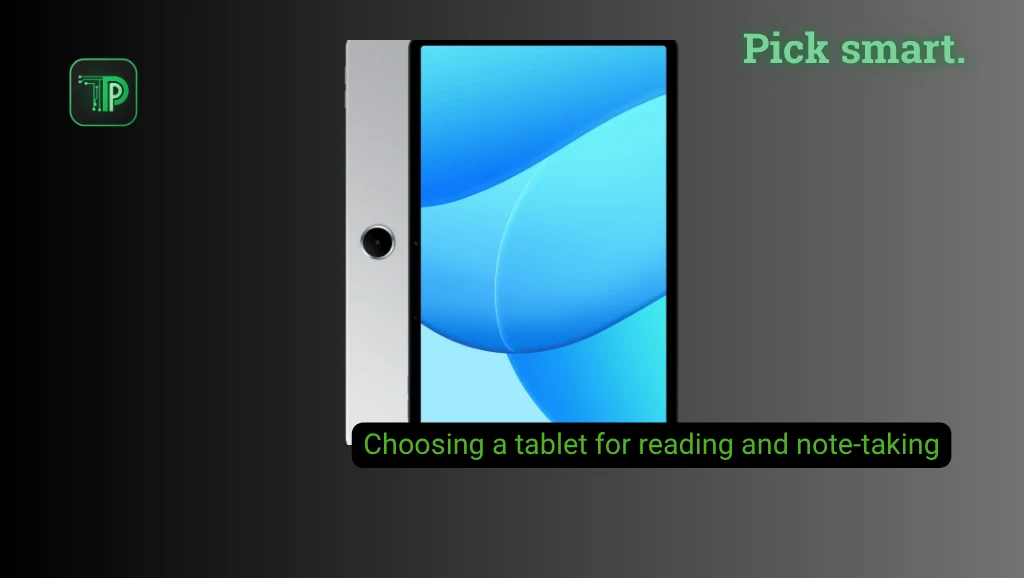
The right tablet for reading and note-taking depends on more than screen size. Before comparing prices in the Philippines, check whether the display suits your reading habits, the exact stylus works with the tablet, and your preferred apps can open, export and back up your files.
Add the pen, case and other accessories to the total price. A cheaper tablet can become less attractive once those extras are included.
Choose a screen that fits what you read
A smaller tablet is easier to carry and hold for long reading sessions. A larger screen gives PDFs, textbooks and split-screen apps more room, but it also takes up more space in a bag. If you often annotate slides or use two apps side by side, try the layout in person before deciding.
Resolution affects how much detail is visible, but aspect ratio matters too. A taller 3:2 screen can show more of a document at once than a wider screen of similar diagonal size. Compare the actual page size and weight, not the diagonal number alone.
Glossy screens can make reflections distracting under bright lights. Matte or paper-like finishes may reduce glare, although they can also change how colors and fine details appear. TCL, for example, offers different reading display modes on its TAB A1 Plus NXTPAPER. Its claims describe the product’s design, not a guarantee that every reader will find it more comfortable. See our report on the five TCL tablets introduced in the Philippines for the full lineup.
An e-ink reader is another option if reading is your main task. Its display works differently from the LCD or OLED screen on a general-purpose tablet. Compare refresh behavior, color, app support and writing tools before choosing; not every e-ink reader supports a pen or the same apps.
Check the exact stylus and its cost
A touchscreen does not automatically support active handwriting. Look up the exact tablet model and its compatible pen, then confirm whether the Philippine bundle includes that pen. Some sellers list a supported accessory separately.
For handwritten notes, check palm rejection, replacement nibs and whether the pen needs charging. If possible, try your normal handwriting and drawing in the app you intend to use. A specification sheet alone cannot tell you how the combination will feel.
TCL’s Philippine TAB A1 NXTPAPER page describes its T-Pen 2, while noting that accessory availability can vary by region. That is a useful reminder to check the local box contents even when a product page shows a pen. You can also compare the TCL Note A1 NXTPAPER on its TechPipino device page.
Compare apps and file handling
Write down the jobs your tablet needs to handle. Can the app annotate the PDF files your school or office uses? Can it search handwriting, organize notebooks, export a usable copy and work offline? Check whether any features require a subscription.
Also consider where notes will live. Cloud sync can make it easier to move between devices, while local exports give you another way to keep copies. Test the workflow with a sample document before moving an entire notebook collection.
Account for storage, battery and support
Books and typed notes may use little space, but scanned PDFs, lecture recordings, videos and downloaded files can add up. Check usable storage and whether the exact model supports a memory card. Some apps also require internal storage regardless of card support.
Battery capacity is a starting point, not a guarantee of a specific number of reading hours. Screen brightness, pen use and video calls all affect runtime. Independent tests of the same model are more useful than comparing capacity alone.
For a Philippine purchase, check whether the seller is authorized, what the local warranty covers, and how returns or repairs work. Compare the actual tablet, pen, case and delivery cost across offers. A promotional listing may have conditions or a different configuration from the manufacturer’s headline price.
Use TechPipino’s Device Finder to narrow down options, then check each model’s specifications and local listing before buying.
Frequently asked questions
Do I need an expensive tablet for handwritten notes?
Not necessarily. The more important checks are whether the exact model supports an active pen, whether the pen is included, and whether the apps meet your needs. Try a compatible combination if a store has a display unit.
Is a paper-like display the same as e-ink?
No. A paper-like LCD uses a conventional illuminated display with a finish or modes intended to change its appearance. E-ink uses a different display technology. Neither label guarantees the same features across all models.
How much storage should I buy?
Estimate the space for your apps and files, including downloaded textbooks and recordings. Leave room for updates, and check whether the model supports removable storage and whether your apps can use it.
Takeaway
Start with the reading format and note-taking app you use most. Then check the screen, compatible pen, file backup and complete Philippine purchase cost. The best fit is the combination that handles your actual work within your budget.


