
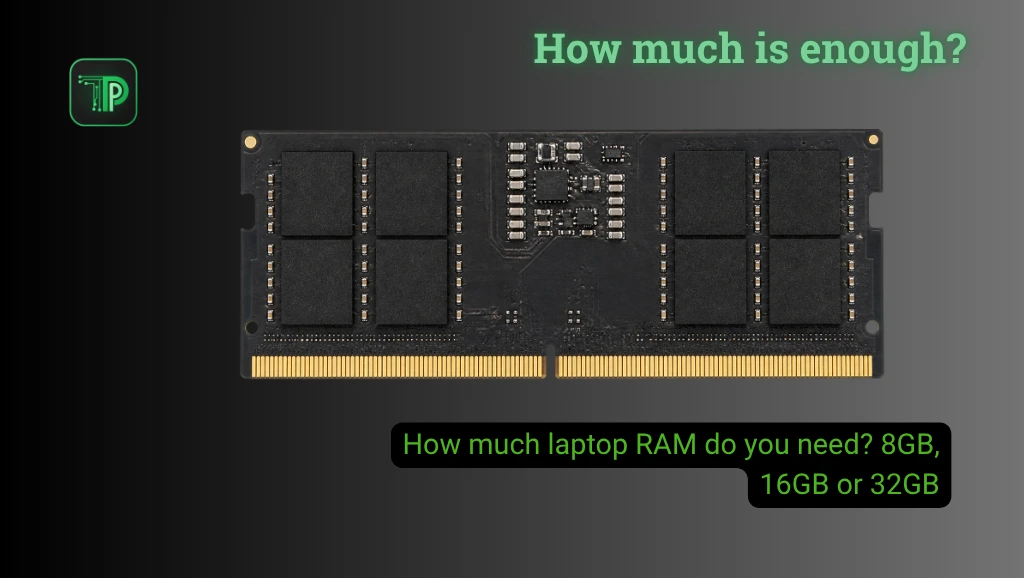
For most people buying a laptop for mixed everyday work, 16GB of laptop RAM is a practical starting point. An 8GB model can still suit lighter use, while 32GB or more is worth considering for demanding creative work, large projects or heavy multitasking.
Your apps, the number of tasks you keep open and whether the memory can be upgraded matter more than a single number. Check the exact model sold in your market, since configurations can differ between listings.
What does laptop RAM do?
RAM is working memory for the operating system and active applications. Storage keeps files and installed apps when the laptop is off. When memory is under pressure, the system can move some data to storage, but this can make returning to work slower.
A fast SSD helps when a computer accesses stored data, but it does not physically increase installed memory. TechPipino’s virtual RAM explainer covers a related distinction on phones, where expansion settings also do not add physical RAM.
When 8GB can be enough
Consider 8GB for a tight budget and a light workload: documents, email, video streaming and a manageable number of browser tabs. The experience still depends on the processor, storage, apps and what runs in the background.
Microsoft says recent Windows 11 changes improve memory management for 8GB PCs. Its up-to-40% multitasking figure comes from one specific lab scenario, not a guarantee. We break down those claims in our Windows 11 8GB improvements report. An 8GB laptop may feel better after updates without becoming equivalent to a machine with more installed RAM.
Before buying, check whether you can add memory later. A low initial price may be less attractive if all 8GB is soldered and your work becomes more demanding.
Why 16GB is a useful starting point
For a new laptop used for office work, study, video calls and multiple browser tabs, 16GB provides more room for overlapping tasks. It is also a sensible starting point for many gaming and light creative setups, although individual games and apps have their own requirements.
This is a buying recommendation, not a guarantee that every 16GB laptop will be fast. Compare the processor, graphics, cooling and storage as well. Check the specific game or software requirements before deciding.
Who should consider 32GB or more?
Choose 32GB or more when your actual work regularly involves large projects, virtual machines, demanding editing or several heavy apps at once. Check the software vendor’s recommendations for your version and workload.
For example, Adobe recommends 16GB for HD media and 32GB or more for 4K and higher in its Windows Premiere requirements. That is a Premiere-specific guideline, not a requirement for every video editor. Complex effects, codecs and project sizes can change what you need.
More memory will not automatically fix a slow processor, limited graphics performance or overheating. If you never approach the capacity you have, paying for more RAM alone may bring little noticeable benefit.
Does RAM matter for gaming?
Games have different minimum and recommended specifications. Check the titles you play and leave room for the operating system and other apps you use at the same time.
Integrated graphics can use system memory, so capacity and configuration may matter alongside the processor. A dedicated GPU has its own graphics memory, but the game still uses system RAM. More RAM does not guarantee higher frame rates if another component is the limiting factor.
Check upgradeability before paying
Find the exact model and SKU on the seller’s listing, then confirm its specifications with the manufacturer. Look for installed RAM, whether any is soldered, available slots and the supported maximum. Some laptops have no upgradeable memory; others combine soldered memory with a slot.
Ask whether an upgrade affects the seller’s or manufacturer’s warranty, and whether the quoted price includes compatible memory and installation. Avoid assuming a model in a foreign review has the same configuration as the unit sold in your country.
On an existing Windows laptop, open Task Manager and look under Performance, then Memory, to see installed capacity and current usage. Observe your normal workload over time. High usage alone does not prove a problem because Windows also uses memory for caching; repeated slowdowns under load are a better reason to investigate.
Compare laptop configurations in TechPipino’s laptop and PC directory, then verify current specifications and prices with the local seller.
Frequently asked questions
Is 8GB unusable in 2026?
No. It can suit light tasks, but heavier multitasking and applications can expose its limits. Check your workload and upgrade options.
Can every laptop be upgraded to 32GB?
No. Soldered memory, slot availability and motherboard limits vary by model. Confirm the exact SKU and manufacturer specifications first.
Will 32GB always increase game frame rates?
No. Extra capacity can help if memory is a bottleneck, but graphics, CPU and other limits may have a greater effect.
Takeaway
Buy for the work you actually do and the years you expect to keep the laptop. Start with 16GB for a balanced mixed-use purchase, consider 8GB for light work on a tight budget, and choose 32GB or more when your applications justify it. If memory is not upgradeable, make that decision before checkout.


